Secure AI agents without slowing down innovation.
Govern autonomous agents, every MCP tool call, and how employees use AI. See it, stop it in real time, and keep developers moving.


AI didn't add one new
risk. It added three.
For years, data security assumed a person was moving the data - deliberately, through a known channel. That assumption now breaks in three different directions.
Agents act on their own
Cursor pulls from a codebase, Claude queries a database, an MCP-connected tool reads a file and sends the result somewhere else — all before a security team has a chance to ask what happened.
Employees prompt agents
into the risky thing
A person doesn't need to exfiltrate data themselves when they can ask an approved AI tool to pull it, summarize it, and hand it off in a form that looks nothing like the original file.
Employees go around AI
governance entirely
Personal ChatGPT accounts, browser plugins, unmanaged copilots. Shadow AI moves corporate data outside any policy that was ever written.
"Observability is an epic fail. We only discover MCPs through daily Slack self-confessions."
One control plane for agents and the people using them.
Discover every agent, inspect every tool call, enforce policy at the MCP Gateway, and govern employee AI use in the browser. Deploy in hours, not months - no policy tuning required.

Govern how employees use AI
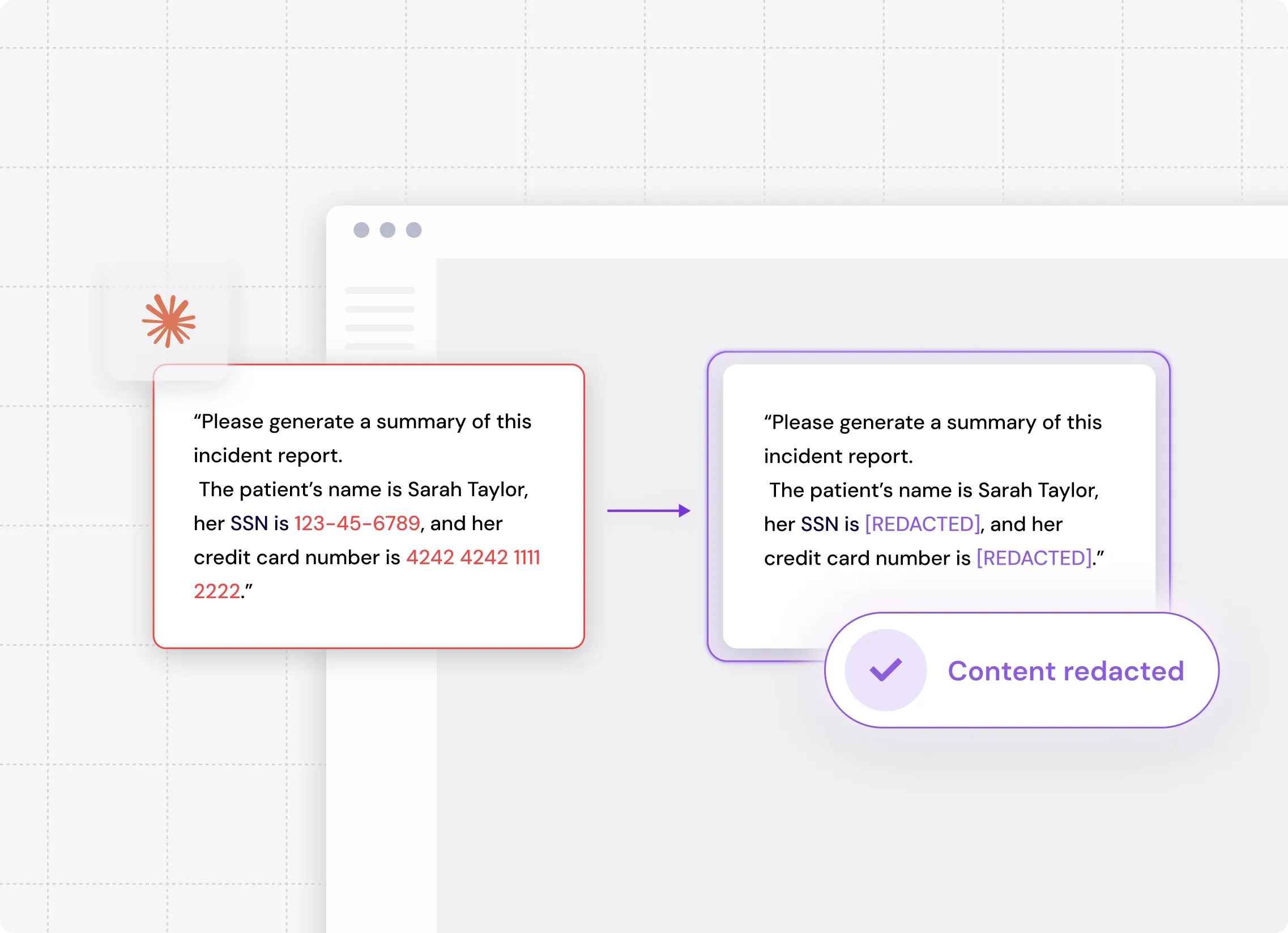
- Shadow AI prevention - stop corporate data leaving through personal ChatGPT, unmanaged copilots, and browser AI tools
- Prompt and upload inspection — PII, PHI, PCI, secrets, and source code classified before they reach the model
- Real-time coaching - "Use ChatGPT Enterprise for corporate data," delivered in the browser, Slack, or Teams
- Enterprise-only enforcement — allow ChatGPT Enterprise to reach corporate Drive, block personal accounts by policy, not memo
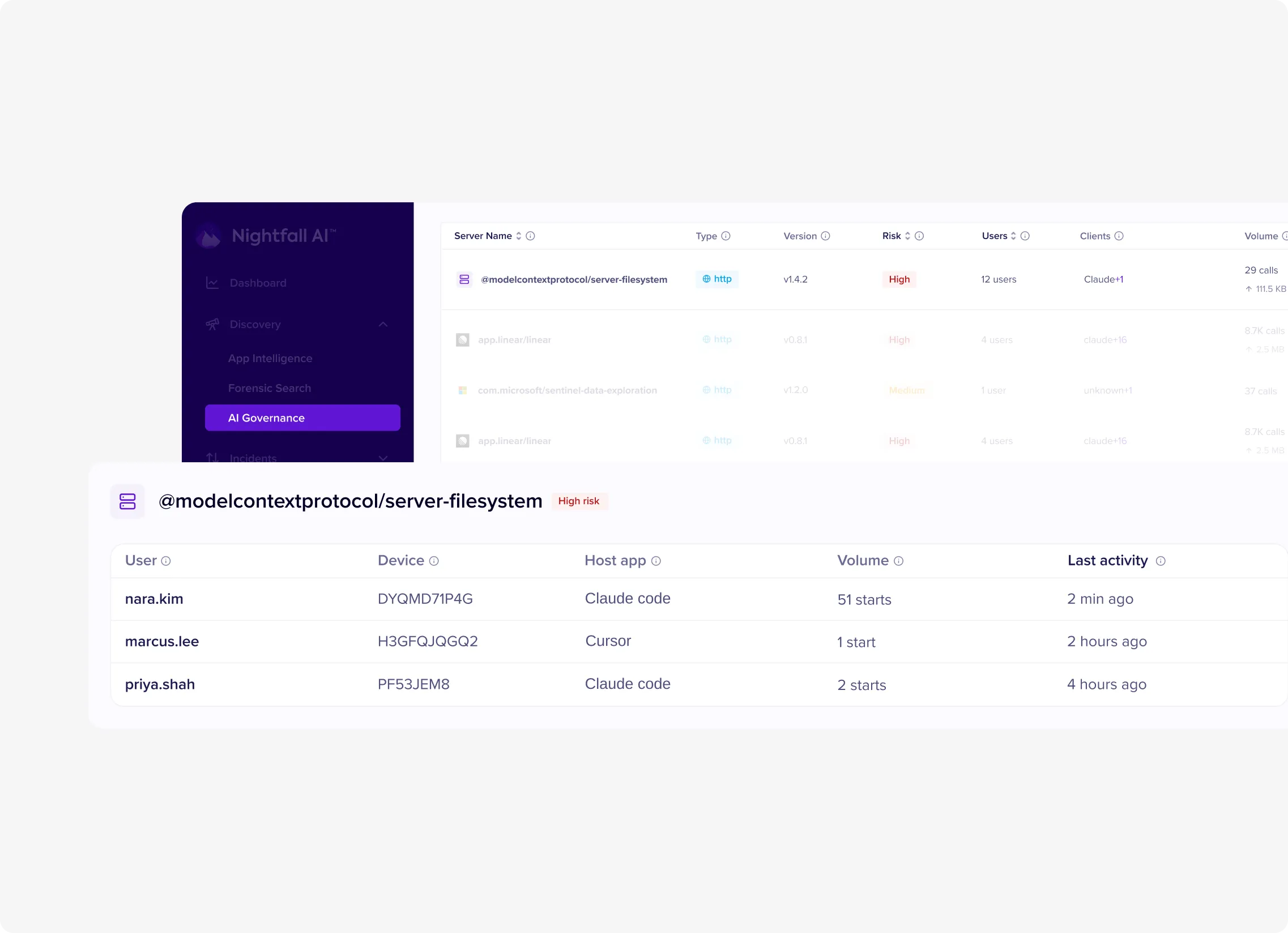
Know every AI agent in your organization
- Real-time configuration scanning - new MCPs detected as they are installed
- User and device attribution for full accountability
- Shadow AI detection - flag unapproved tools instantly
- Audit-ready reports for compliance teams
Detect risky agent
behavior before data leaves
- Content inspection at the protocol level - intercept before the model processes it
- Alert when an MCP server is added, changed, or removed on any endpoint.
- Risk scoring on every user, surfaced by the Insider Risk Agents.
- Semantic analysis - "our unreleased financials" is sensitive without a single PII pattern
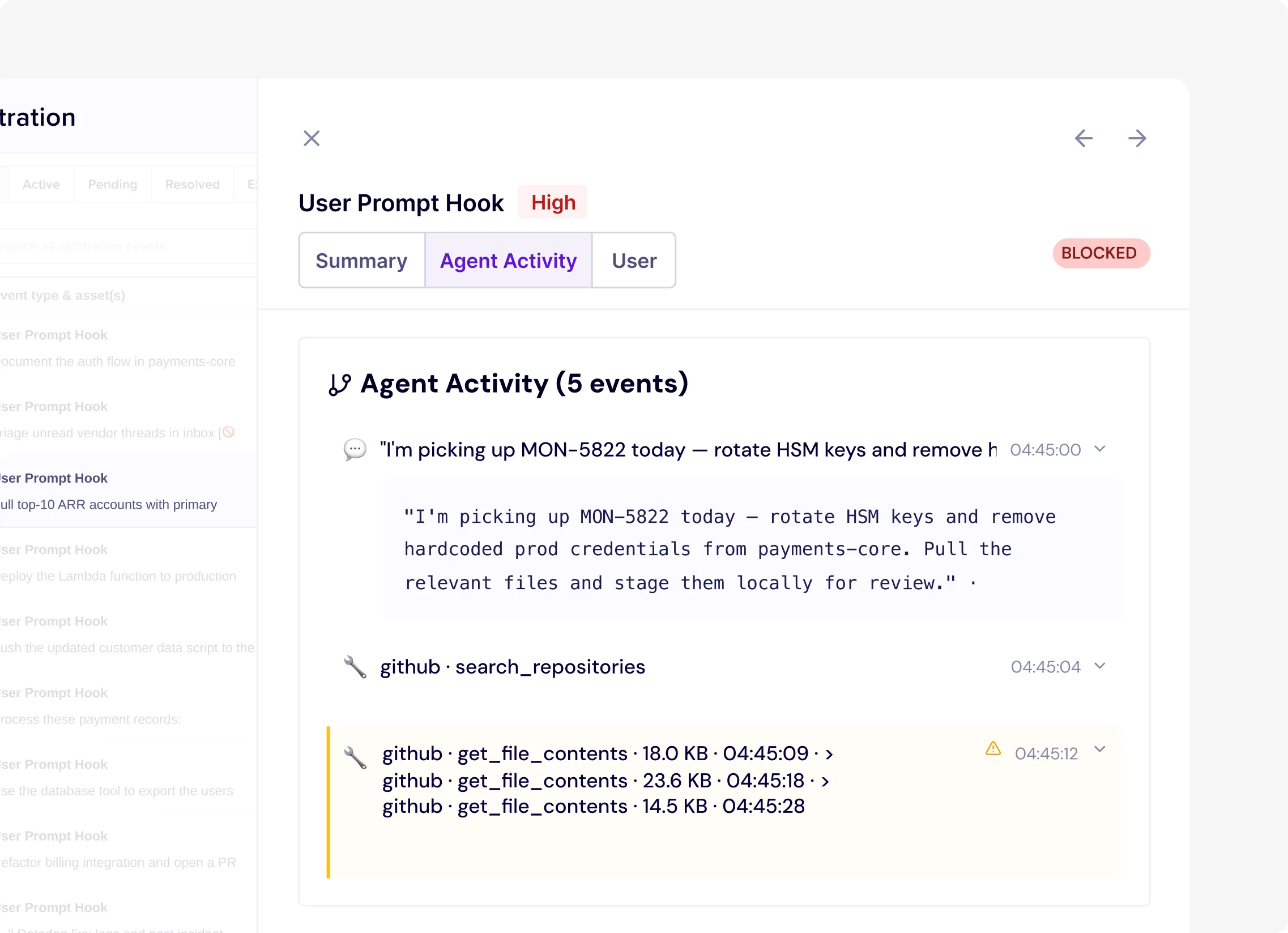
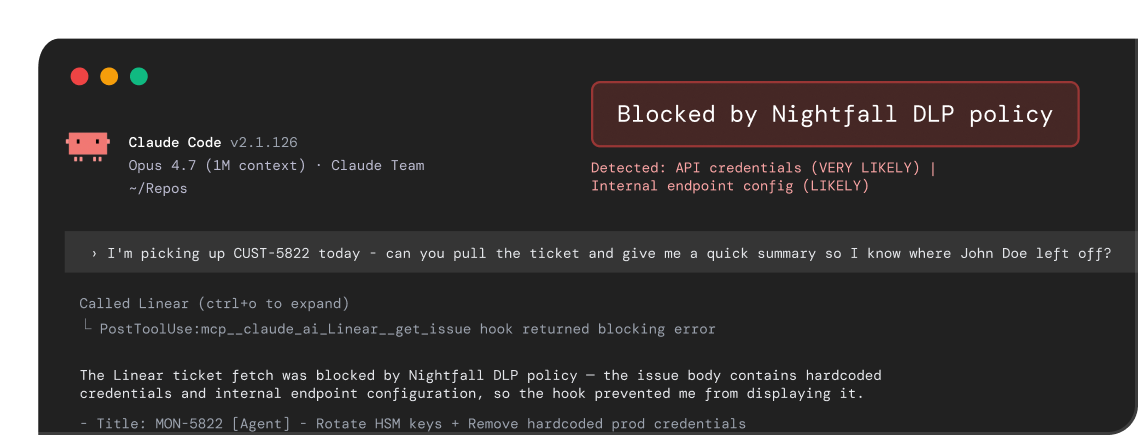
Enforce inside Claude itself with Inference Hooks
- Prompt inspection: PII, PHI, PCI, secrets and source code blocked before they reach the model
- Tool call and tool response inspection: sensitive data stopped in flight between Claude and the systems it touches
- Model response monitoring: sensitive content in Claude's output flagged and logged
- Works alongside the Claude Compliance API: chats and files across your Claude Enterprise org scanned, policy incidents raised, users notified
MCP Gateway: stop risky calls before data leaves
- Curated MCP registry - approve the 50 that matter, block 17,950+ by default
- Data-classification enforcement — block PHI, PII, PCI, and IP in prompts to non-compliant services
How Nightfall secures agentic workflows across three surfaces
Inside the model call
Inference Hooks inspect prompts, tool calls and responses across every Claude surface.
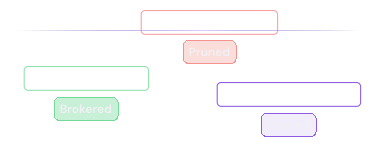
At the MCP Gateway
Every tool call proxied, destructive tools pruned, credentials brokered.
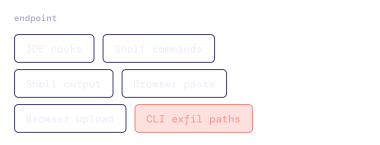
On the endpoint
IDE hooks for Cursor, Claude Code and VS Code; shell commands and shell output; browser paste and upload; CLI exfil paths.

Admins configure allowed servers
Browse discovered MCP servers, review their tools, and approve what's safe for the organization.
Developers connect once
A single line in their MCP configuration points to the gateway. Authentication via SSO - no repeated logins.
The gateway proxies every request
Policies are enforced, requests are logged, and approved calls are forwarded to the real MCP servers.
Full visibility & control
Real-time audit logs, instant revocation, and DLP scanning for sensitive data in transit.
Built for the agentic era - not retrofitted from legacy DLP.
Legacy DLP is regex-based, needs 6-8 months of tuning, and is blind to Cursor and Claude Desktop. Gateway-only tools see hosted MCPs and nothing else. Nightfall covers MCP, SaaS, endpoint, and GenAI in one platform.

First-mover advantage
Built for MCP and agentic workflows from the start, not retrofitted from legacy DLP.

AI-native detection
Pre-trained LLM and computer-vision models understand context: "our Q4 roadmap" is sensitive even without a PII pattern. No tuning cycle.

Deploy in days, not months
Inference hooks for Claude, IDE hooks for Cursor and VS Code, browser and endpoint coverage for ChatGPT. No appliances. Audit-ready visibility in your first week.

One platform
Don't buy separate tools for MCP security, SaaS DLP, endpoint DLP, and GenAI governance. One consistent experience across your environment.
| Capability | Traditional DLP + IRM | Gateway-Only Solutions | Nightfall AI |
|---|---|---|---|
| MCP Discovery | No visibility | Limited to hosted MCPs | Full endpoint + cloud discovery |
| Desktop App Coverage | Blind to Cursor, Claude Desktop | No endpoint agent | Native desktop app monitoring |
| AI-Native Detection | Regex-based, 50% accuracy | Basic keyword filtering | LLM-powered, 95% fewer false positives |
| Policy Tuning Required | 6-8 months tuning | Manual rule creation | Zero tuning - pre-trained |
| Deployment Time | 12-18 months | 4-6 weeks | Production in 2 weeks |
| False Positive Rate | 80-95% alerts are noise | 40-60% false positives | 95% fewer false positive |
| Developer Experience | Heavy agents, constant friction | Gateway latency issues | Lightweight, millisecond overhead |
| Unified Platform | Buy 3-4 separate tools | MCP-only, no SaaS DLP | MCP + SaaS + Endpoint + GenAI |
| Claude surface coverage | None | Hosted MCP only | Web, Desktop, Mobile, Cowork, Claude Code, Claude in Slack |
| Enforcement inside the model call | Not supported | Not supported | Inference Hooks: block prompts, tool calls, tool responses |
See what your data did last night. And right now.
See what your agents did last night, and what they are doing right now.

